Destination Admin
Manage your destination on 4x4Buddy
Keep your offroad destination accurate with routes, POIs, map drawings, and labels that drivers can use before and during a trip.
Destination Admin access is approved by 4x4Buddy before changes can be published.
What you can do as a Destination Admin
A Destination Admin can maintain the practical information drivers need when visiting a destination.
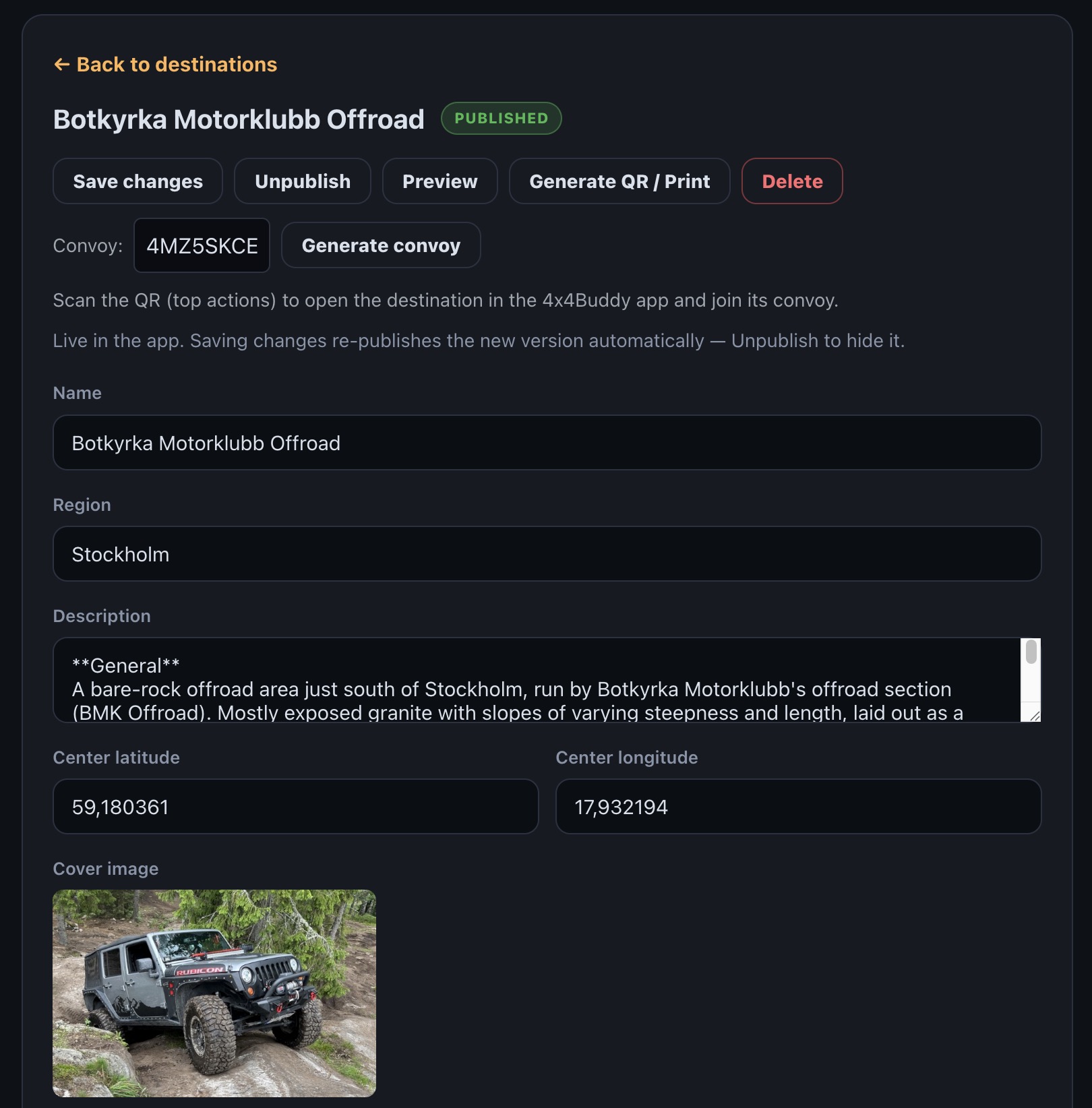
- Edit basic destination data such as name, description, contact details, location, and visitor information.
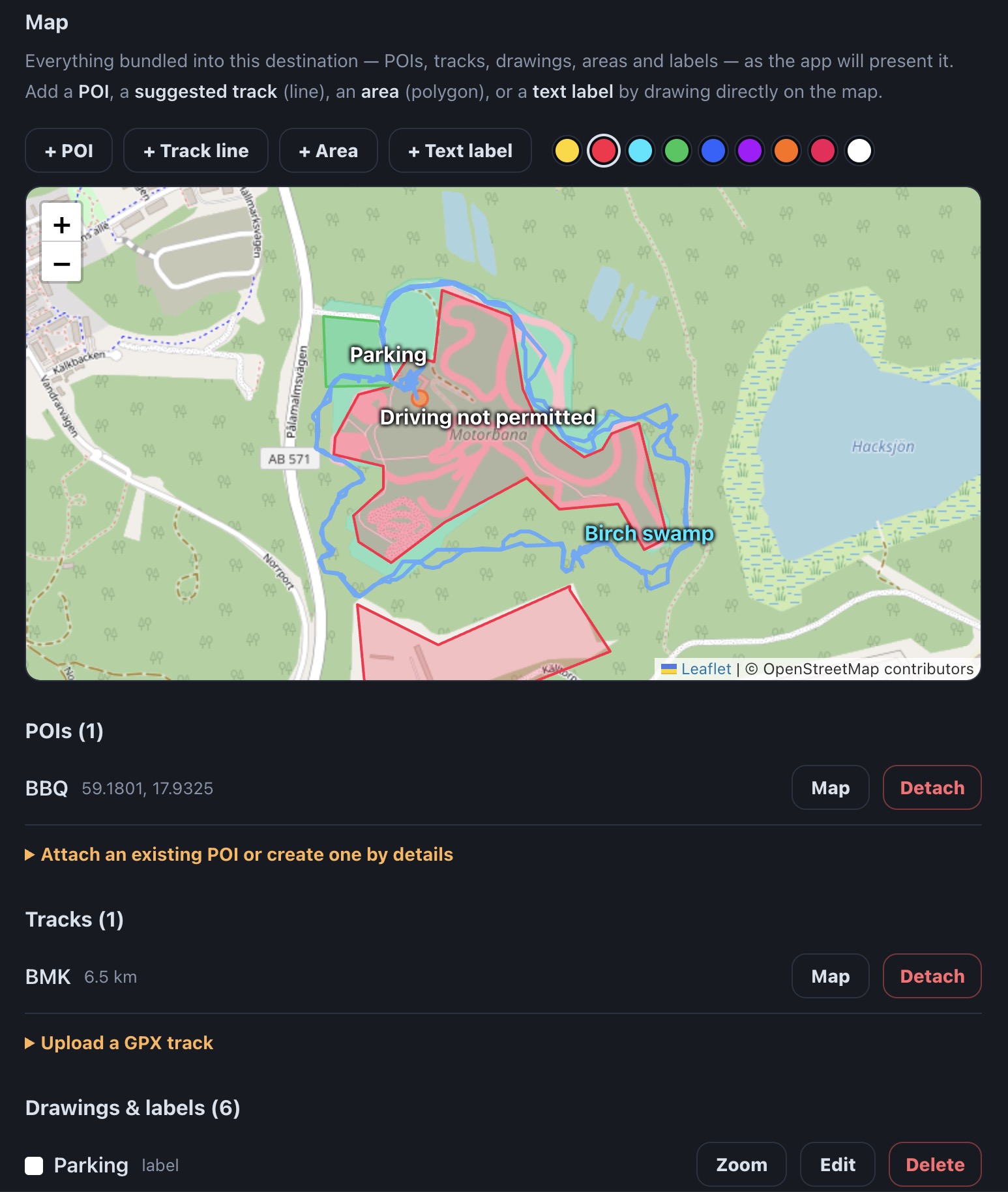
- Edit tracks, POIs, lines, areas, and labels directly on the map.
- Generate a QR code for your destination so drivers can find and open it instantly in the app.
- Set up a Convoy for your destination so groups can drive together and see each other on the map.
- Prepare destination content for off-grid use in the mobile app.
- Keep route guidance and map notes current as your destination changes.
Two ways in
Already a Destination Admin?
Sign in to the admin area to manage destinations you have access to.
Sign in to Admin →Want to manage a destination?
Apply for access if you operate a destination or are the right person to keep its information current. Approval is required before admin access is granted.
When you apply, include your phone number, why you are the right Destination Admin, and which destination you want to manage. If the destination is not listed yet, propose it with GPS coordinates and basic information.
Apply for accessIf the form is not available yet, contact 4x4Buddy support after signing in.